
At one conference, 1,699 people had a conversation with EVA and received 8,158 responses over the course of the event: almost five for every person who chose to message it.
That volume of conversation is one of the reasons we’ve spent the past few months giving EVA more autonomy. And, in the process, giving you more autonomy too.
Until now, EVA still needed us behind the scenes for quite a few things: setting up the phone number, building each template manually or scheduling messages through external tools.
That’s changing.
The idea is simple: you should be able to manage more directly from the platform, with fewer manual processes and without having to contact us every time you want to make a change.
Your number, your brand
The most visible change is that EVA can now communicate with your attendees using your company’s, organisation’s or event’s own WhatsApp Business number, rather than Eventscase’s shared number.
You connect your account from EVA through a guided, step-by-step process: authorise the connection, select or create your WhatsApp Business portfolio, verify the number, add your payment method in Meta, and choose the virtual assistant’s display name and profile picture.
The conversation then becomes part of your own brand experience.
EVA is still EVA. But now she can dress like you.
Templates and sends, without leaving the platform
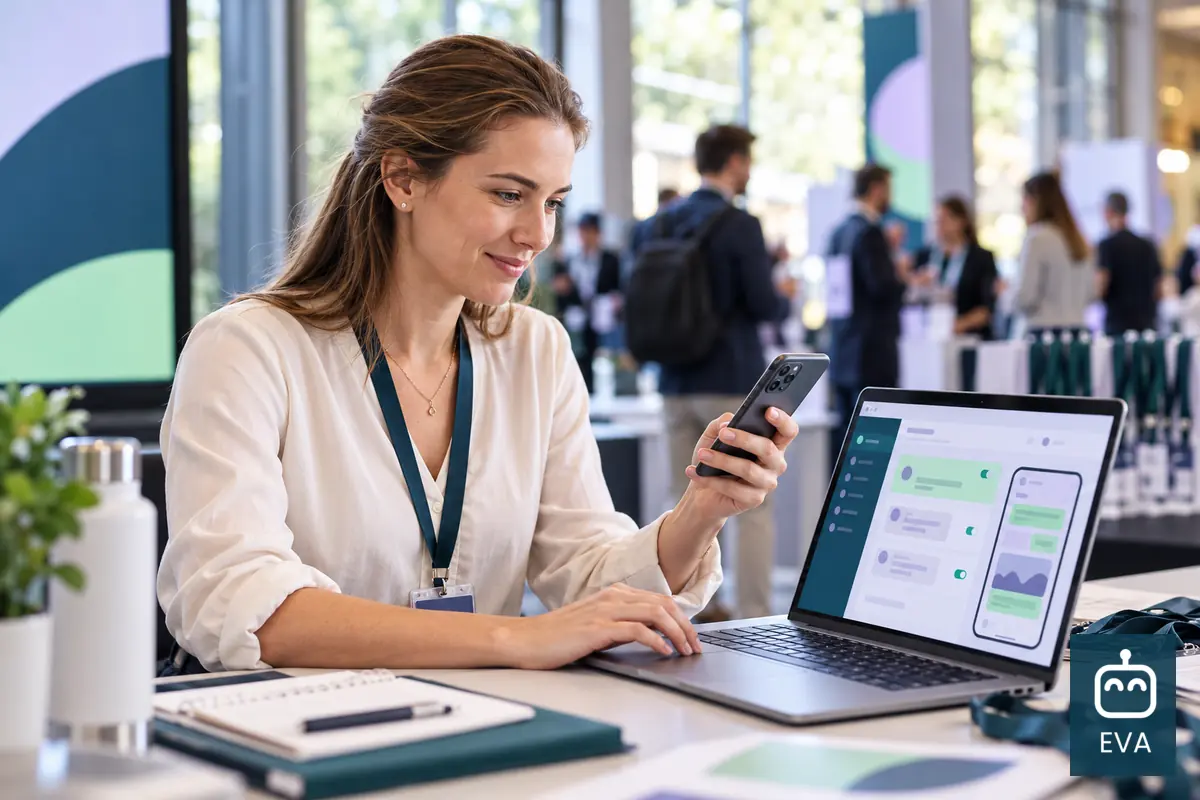
Creating a WhatsApp template stopped being simple as soon as you had to handle the actual send: text, variables, header, buttons, Meta approval and then scheduling it using another tool.
Now, the whole process can be managed from the EVA platform.
You can prepare the message with personalised variables, add an image, video or PDF as the header, and include link, quick-reply or call buttons for useful actions such as checking directions or adding the event to a calendar.
Meta still has the final say on approval — as it does with any template sent through WhatsApp — but once it has been approved, you decide when it goes out by choosing the date and time directly from the platform.
Another channel for people who don’t use WhatsApp
WhatsApp remains EVA’s main channel, but not every attendee uses it.
That’s why we’ve added SMS as an additional channel, designed to reach people who don’t use WhatsApp or for communications where a text message simply makes more sense.

The bigger change: EVA now works towards goals
The other updates are operational. This one is probably the change that has the biggest impact on how you work with EVA.
Until now, EVA waited for someone to ask a question and then responded.
Now, she can also take the initiative.
You define an objective and EVA looks for the right moment within the conversation to move towards it. She can ask for feedback while the event is still taking place, find out which topics genuinely interest each person, or introduce sponsor content at the moment when it is relevant to whoever is on the other side of the chat.
The difference isn’t just technical.
It means attendees no longer receive messages simply because it is time to send them. Instead, EVA understands what that conversation is trying to achieve and looks for the right opportunity to move it forward.
This isn’t the first time EVA has made a leap like this. A few months ago, she started understanding voice notes as well as text. Now she is gaining more autonomy over the channel, the templates and even the decision of when to speak.
All of this is already in motion.
What comes next is seeing what organisers do with the extra room to manoeuvre they’ve just gained.